

Quick answer: One reel can become many posts. The one-content-into-many workflow is simple: download the reel (with a tool like the free IShort extension), pull the strongest frames as stills, rebuild them as a carousel with a hook slide and one idea per slide, and post standout frames as standalone images. IShort saves the source; you assemble the carousel in your editor. Below is the exact step-by-step.
Why repurpose one reel into many posts
A reel is a lot of work for a single moment in the feed. Repurposing stretches that work across formats that reach different people in different ways. As Hootsuite's guide to Instagram carousels notes, carousels are built for saves and dwell time - people swipe, pause, and come back - while reels are built for discovery. Turning one into the other means the same idea gets two different kinds of reach.
- Reach different surfaces. Reels get pushed for discovery; carousels earn saves and longer time-on-post; single images are quick, snackable wins.
- Serve different viewers. Some people watch video; others prefer to read and swipe at their own pace. Give the same idea in both shapes.
- Do more with what you already made. No new filming - you are re-cutting an asset that already exists into two or three more posts.
The one-to-many workflow at a glance
Before the detailed steps, here is the whole loop in one line: one reel to source frames to a carousel to image posts, plus captions and quotes. You are not reposting the reel - you are mining it for stills and rebuilding those stills into new, native posts.
Turn a reel into a carousel with IShort: step by step
- Download the reel with IShort. Open the reel on any public profile - your own included - and use the free IShort extension to save the source video (it downloads reels, photos, and carousels). This gives you the raw footage to pull frames from.
- Pick the strongest frames. Scrub the video and export clean stills at the key moments - the hook, each main point, and the payoff. Aim for a handful of sharp, on-message frames rather than every frame.
- Build the carousel. In your editor (Canva, Figma, or your phone), drop each frame onto a slide, add short text so the story reads without sound, and keep one idea per slide. Lead with a hook slide and close with a clear call to action.
- Post standout frames as images. Take the single best frame and publish it as a standalone image post, and lift a strong line from the caption or on-screen text as a quote graphic. One reel, several posts.
To be clear about what does what: IShort downloads the source reel and media so you have the frames to work with. The carousel itself - the slides, the text, the layout - you assemble in your own editor. IShort is the fetch-and-source step, not a carousel maker.
What makes a carousel from a reel work
Hook on slide one
Your first slide has the same job as the first second of the reel: stop the scroll. Put the boldest promise or question up front.
One idea per slide
Break the reel's script into single points. Each slide should make one clear step land before the swipe to the next.
End with a CTA
The last slide should tell people what to do - save it, follow, or read the caption. Carousels that earn saves get shown more.
More ways to reuse one reel
The carousel is the headline act, but a single reel can fan out further:
| Repurposed format | How to make it from the reel |
|---|---|
| Standalone image post | Publish the single strongest frame with a punchy caption. |
| Quote graphic | Pull a memorable line from the audio or caption and set it as text over a still. |
| Longer caption or thread | Expand the reel's script into a fuller written caption for the carousel. |
| Cross-platform clip | Reuse the downloaded video on other short-form platforms - see our guide on repurposing reels into TikToks and Shorts. |
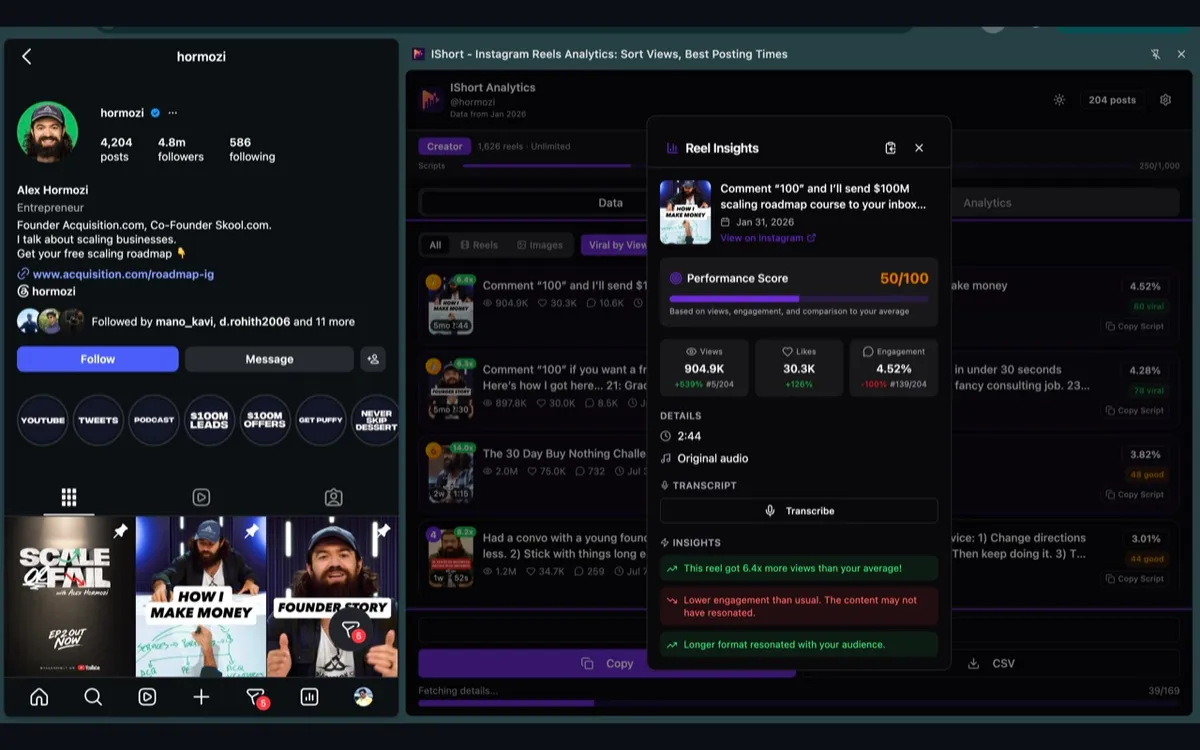
Keep it native each time - fresh text, fresh framing, no visible watermark - so each post reads as its own thing rather than an obvious repost. Pair this with our Instagram carousel strategy guide, and see how the same idea travels to TikTok and Shorts.
Download the source, then build the carousel
Install IShort free to download reels, photos, and carousels from any public Instagram profile - your own included. It saves the source; you assemble the carousel and image posts in your editor.
Add to Chrome - Free Add to Edge - FreeFrequently Asked Questions
How do I convert an Instagram reel into a carousel?
Save the reel, pull several strong still frames from it, and rebuild those frames as slides in a carousel, adding short text on each slide so the story reads without sound. A tool like the free IShort extension downloads the reel so you have the source frames to work from, and you assemble the carousel in your editor.
Can I download my own reel to repurpose it?
Yes. With the free IShort extension you can download reels, photos, and carousels from any public Instagram profile, including your own, then reuse the frames as a carousel or standalone image posts. IShort saves the source media; you build the new posts in your editor.
Why turn one reel into multiple posts?
One idea can reach different parts of your audience across formats. A reel gets discovery, a carousel earns saves and longer dwell time, and image posts are quick to consume. Repurposing stretches the work you already did into more reach without filming anything new.
How many slides should an Instagram carousel have?
Most creators use between 3 and 10 slides. Lead with a strong hook slide, keep one idea per slide, and end with a clear call to action. Instagram allows up to 20 items in a single carousel, so you have room, but tighter sets usually hold attention better.
Does repurposing a reel hurt reach?
Reusing your own footage across formats does not hurt reach on its own. The key is to adapt it - add fresh text and framing, and avoid posting visibly reposted or watermarked clips. Original, well-edited posts perform best, whether they started life as a reel or not.
Final thoughts
You already did the hard part when you made the reel. Repurposing is how you get paid back for it - one piece of content becoming a carousel, an image post, a quote, and a caption that each reach people the reel alone would miss. Download the source, mine it for strong frames, rebuild those frames into a carousel with one idea per slide, and post the best stills on their own. It is the highest-leverage habit in content: make once, publish many.