
Quick answer: A link-in-bio page that converts leads with one clear action, keeps the list short and grouped, and matches the audience's intent. Below are four illustrative page structures — for a creator, a musician, a small business, and a coach — with the order of links that works and how to build each one free on IShort. These are example layouts, not real people's pages.
The best link-in-bio pages all share the same skeleton: a primary action up top, a short set of supporting links, and just enough structure to guide the eye. Visitors spend under ten seconds and most never scroll, so what sits above the fold does the heavy lifting. Rather than pointing you at brand pages you can't copy, the examples below break down the structure — the order, the grouping, and the single call to action — so you can adapt whichever fits you.
Each of these can be built free on IShort: up to 20 links with emoji and section headers, per-link scheduling, email capture, five themes plus custom colors, and free click analytics to test what's working.
Build a page like these — free
Claim ishort.pro/you and lay out your links in under a minute, analytics included.
Get your free page →What every high-converting page has in common
Before the specific layouts, three principles hold across all of them. One primary call to action comes first — not three competing buttons, one clear next step. The list stays short, usually five to eight links, because a crowded page splits attention and kills clicks. And the structure matches intent: section headers group links into a menu ("Watch," "Shop," "Book") so a visitor finds their reason to click in a glance.
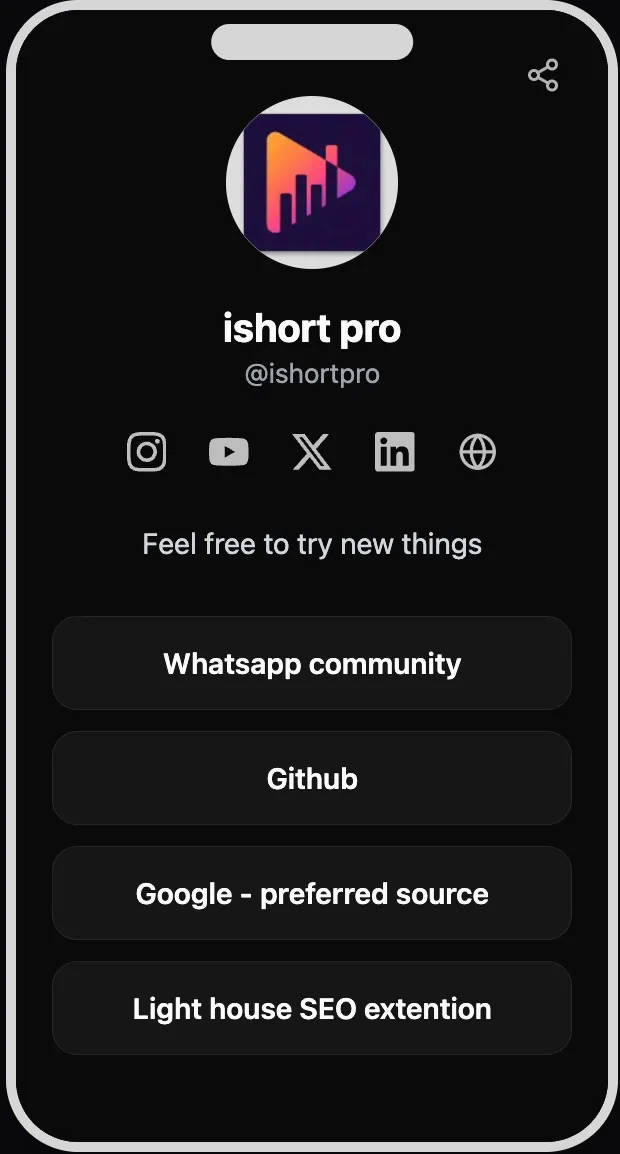
Example 1 — The creator page
Structure, top to bottom: a headline link to the latest video or Reel; a "Watch" section header over two or three of your best pieces; a "Join" header over an email signup or newsletter; then your social icons at the base. The single most important choice is putting the newest upload first and swapping it every time you post.
Why it works: most of a creator's incoming traffic is chasing the thing they just watched, so the top slot answers that instantly, while the email signup captures the fans worth keeping beyond the algorithm. Build it in IShort: use section headers for "Watch" and "Join," turn on email capture for the signup, and use the social icons for the rest — then let analytics show which video slot earns the most taps.
Example 2 — The musician page
Structure: a headline link to the latest release ("Listen now"); a "Live" section header over tour dates or a ticket link; a "Merch" header over the store; and social icons at the bottom. Around a release or tour, the top link changes to whatever you're pushing that week.
Why it works: fans arrive wanting the new song or a ticket, so the page mirrors that urgency and doesn't bury it under a wall of platforms. Build it in IShort: use per-link scheduling so a pre-save or ticket link appears on release day and expires when the show sells out — the page never points at a dead link. Group "Listen," "Live," and "Merch" with section headers so each fan finds their lane fast.
Example 3 — The small-business page
Structure: the two highest-intent links first — usually "Shop now" and "Book an appointment" — followed by a "Why us" header over reviews or a photo-led about link, then hours or contact, then socials. Keep the top two visible without scrolling.
Why it works: a local or product business has one or two things it actually wants visitors to do, and leading with those two — plus visible social proof — converts far better than a long menu of equal-weight links. Build it in IShort: put the two money links up top, add a "Why us" section header over a testimonials link, and use a custom theme with your brand colors and a logo photo so the page feels like your storefront, not a template.
Example 4 — The coach or service provider page
Structure: a single primary "Book a free call" button first; a "Start here" header over a free lead magnet that captures an email; a "Proof" header over testimonials or results; and a link to your services or a course last. The whole page funnels toward booking.
Why it works: coaching sells on trust and low-friction first steps, so a free call plus a genuinely useful freebie warms people up before you ask for the sale. Build it in IShort: make the booking link the top call to action, use email capture on the lead magnet and export subscribers as a CSV to follow up, and group "Start here" and "Proof" with section headers so the trust-building reads in order.
How to build any of these free in IShort
Pick the structure closest to you and adapt it — the pattern matters more than the exact links. Sign in with a free Google account, claim your ishort.pro/you username, add your links in priority order, and use section headers to group them into a menu. Turn on email capture where you're collecting signups, use per-link scheduling for anything time-bound, and pick a theme (or build a custom one) that matches your brand.
Then let the page teach you. IShort's free analytics show page views, per-link and per-social clicks, click-rate, and 7/30/90-day trends, so you can move your best-performing link to the top and cut the ones nobody taps. Every good example page you've ever seen got that way by testing — and here that testing is free. One honest note: IShort is a links-and-analytics tool, not a storefront, so any selling happens on the platforms you link to.
Ready to build yours?
Claim ishort.pro/you, lay out your links, and start seeing what converts — all free.
Get your free page →FAQ
What does a good link in bio look like?
A good page leads with one clear action, keeps the link list short (usually five to eight), and groups extra links under section headers so it reads like a menu. The most important link sits above the fold because most visitors never scroll, and button labels are specific ("Book a free call" rather than "Click here"). Clean visuals in your brand colors and fast mobile loading round it out.
How should I structure my link in bio?
Start with your single primary goal and give it the top slot, then add three to five supporting links grouped by purpose with section headers. Order links from highest intent to nice-to-have — a creator leads with their latest video, a business with "Shop" and "Book," a coach with a free call. Put your social icons at the bottom so they don't compete with your main call to action.
Are there link in bio examples for Instagram specifically?
Yes — the structures above all work for Instagram, where you get a single clickable bio link. Point that link at your ishort.pro/you page and match its top link to whatever your bio's call to action promises. Our link in bio for Instagram guide covers the Instagram-specific setup, including that IShort pages work inside the Instagram in-app browser.
How do I make a link in bio page like these?
Build it free on IShort: sign in with Google, claim your username, add your links in priority order, group them with section headers, and pick a theme. Turn on email capture and per-link scheduling if you need them, then paste your ishort.pro/you URL into your profile bio. Free click analytics then show you which links to keep and which to cut.