
Quick answer: The best link-in-bio ideas send followers to one clear action at a time — your latest video, a lead magnet, a booking page, or an email signup — grouped into short, scannable sections. Below are 25 ideas you can build free on your ishort.pro/you page, complete with email capture, per-link scheduling, section headers, and click analytics to test what actually converts.
Instagram, TikTok, and YouTube each give you exactly one clickable bio link, so the page behind it has to work hard. Most visitors spend under ten seconds on a link-in-bio page and roughly 60% never scroll — which means the ideas near the top, and the way you group them, decide whether anyone clicks. This list is ordered from highest-intent to nice-to-have, so you can pick the handful that fit your goal right now instead of dumping every URL you own.
Everything here is free to build on IShort. You get up to 20 links with emoji and section headers, per-link scheduling, email capture, five themes plus custom colors, a QR code, and — the part that makes this a strategy instead of a guess — free analytics showing which links your audience actually taps.
Claim your free link-in-bio page
Grab ishort.pro/you in under a minute — free, with click analytics built in.
Get your free page →25 link in bio ideas that get clicks
You don't need all 25 — pick five to eight that match what you want people doing this week, and let the rest wait. Use section headers to group them so the page stays scannable.
- Your latest video or Reel. Put your newest upload in the top slot — it's the link most of your incoming traffic is looking for. Swap it whenever you post so the page always feels current. This single change usually earns the most clicks of anything on the page.
- A shop or product link. If you sell anything, point straight to the product page, not a generic homepage. Fewer clicks between the tap and the checkout means more conversions. Label it clearly — "Shop the setup" beats "My store."
- An email-list signup. Followers are borrowed from an algorithm; an email list is yours. IShort has built-in email capture, so visitors can subscribe right on your page and you can export the list as a CSV — no third-party form needed. Make this your primary call to action if long-term growth is the goal.
- A free lead magnet. Offer a checklist, template, preset pack, or mini-guide in exchange for an email. "Get my free guide" reliably out-clicks vague labels because the value is obvious. Pair it with the email capture above so the freebie also grows your list.
- A booking or call link. If you coach, consult, or take clients, link your Calendly or booking page directly. It turns "how do I work with you?" into a booked slot with zero back-and-forth. Keep it high on the page for high-intent visitors.
- Your portfolio. Designers, photographers, and freelancers should link a clean portfolio or case-study page. It's the fastest way to turn a curious follower into an inquiry. One strong portfolio link beats five scattered work samples.
- A newsletter. If you publish on Substack, beehiiv, or similar, feature the subscribe page. A newsletter is a warm audience you reach on demand. Add a one-line description so people know what they're signing up for.
- A playlist or music link. Musicians and podcasters can link a Spotify or Apple Music page for the latest release. Give it a top slot around a drop, then rotate it down once the launch cools. Use a header like "Listen" to set it apart.
- Testimonials or social proof. Link to a page of reviews, results, or press quotes. Trust is what turns interest into a purchase, especially for services and courses. Even a single screenshot page of happy-customer messages helps.
- An FAQ link. Point to answers for your most common questions — shipping, pricing, how you work. It removes friction and cuts the DMs you have to answer manually. A short FAQ page does a lot of quiet selling.
- A launch or product drop. Building to a release? Use IShort's per-link scheduling to make the drop link appear exactly when it goes live and disappear when it ends. No more logging in at midnight to swap links. It keeps the page honest — nothing links to a sold-out or unreleased page.
- A limited-time promo. A discount code or seasonal offer with a clear deadline pushes people to act instead of bookmarking and forgetting. Schedule it to auto-expire so the page never shows a dead offer. "20% off — ends Sunday" earns clicks that "Sale" never will.
- Affiliate or recommended tools. Group the gear, apps, or products you actually use under a "My kit" header. It's a low-effort revenue stream that also genuinely helps your audience. Keep it honest — recommend only what you use.
- Podcast episodes. Link your show's latest episode or a "start here" episode for new listeners. Rotate the featured episode the way you'd rotate a latest video. A dedicated section header keeps it from getting lost.
- Press or media features. Been featured somewhere credible? A "As seen in" link borrows that outlet's authority. It reassures first-time visitors that you're the real thing. One strong feature is worth more than three weak ones.
- A media kit for brands. Creators taking sponsorships should link a media kit or collab page. It signals you're open to work and answers a brand's questions before they ask. Put it under a "Work with me" header so it's easy to find.
- Your blog or long-form content. Link a cornerstone article or your blog index for people who want depth. It keeps engaged visitors on your owned platform instead of the feed. Feature one standout post rather than a wall of them.
- A community or Discord. Invite followers into a Discord, Telegram, or private group. A community turns passive followers into a place people return to daily. Describe the vibe in a line so the right people join.
- A course or digital product. Link straight to the sales page for your course, ebook, or preset pack. This is often the highest-value link on a creator's page, so give it a clear, benefit-led label. Consider scheduling it around enrollment windows.
- Event or ticket links. Selling tickets to a gig, workshop, or meetup? Link the event page and schedule it to vanish once the date passes. Time-bound links create urgency on their own. Add the date to the label so it's unmistakable.
- An app download. If you have an app, link to it — or use one button that routes to both the App Store and Google Play landing page. Fewer decisions means more installs. Keep the label to a plain "Download the app."
- A cause or charity. Point to a fundraiser or cause you support. It shows what you stand for and gives your audience an easy way to join in. Keep it genuine rather than performative.
- A QR code for offline moments. IShort generates a 1024px QR PNG of your page — put it on business cards, packaging, a market stall, or the end of a video. It bridges your offline audience to every link at once. One code, your whole page.
- All your other socials. Use the built-in social icons for Instagram, YouTube, X, LinkedIn, and your website so cross-platform followers can find every version of you. These sit apart from your main links, so they don't compete with your primary call to action. It's the tidiest way to say "I'm everywhere."
- Test which ideas convert — then cut the rest. This is the idea that makes every other one better. IShort's free analytics show page views, per-link and per-social clicks, click-rate, and 7/30/90-day trends, so you can see exactly which links earn taps. Keep the winners in the top slots and drop the links nobody uses — a shorter, tested page almost always converts better than a long guess.
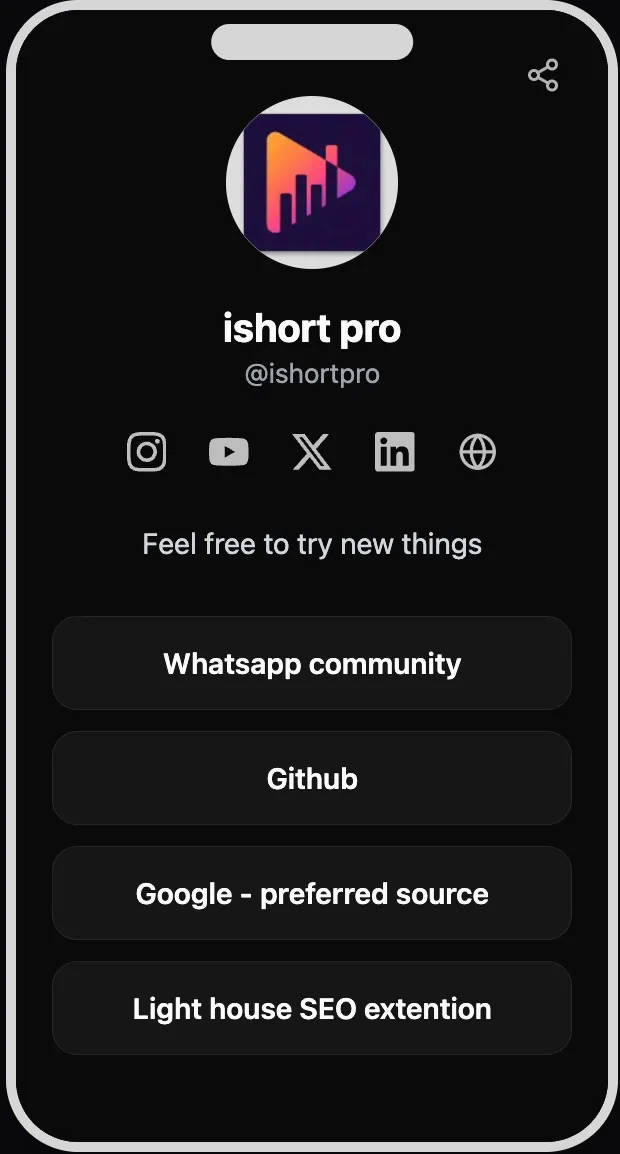
How to choose the right ideas for your page
Start with one primary goal — grow the email list, sell the course, book calls — and give that action the top slot and the clearest label. Then add three to five supporting links and stop. The data is consistent here: pages with a single clear call to action and a short link list out-convert crowded pages, because most people decide in seconds and never scroll.
Group whatever's left under section headers ("Watch," "Shop," "Work with me") so the page reads like a menu instead of a list. Use per-link scheduling for anything time-bound so launches and promos appear and expire on their own. Then let analytics settle every debate: if a link you love gets no taps, the slot is better spent on something your audience actually clicks.
Ready to try a few of these?
Claim ishort.pro/you, add your best ideas, and see what your followers click — all free.
Get your free page →FAQ
What should I put in my link in bio?
Lead with one clear action — your latest video, a lead magnet, a booking link, or an email signup — then add three to five supporting links and your social icons. Match the link to whatever your bio's call to action promises: if your bio says "free guide," the top link should open the free guide. Group extra links under section headers so the page stays scannable, and let click analytics tell you which ones to keep.
How many links is best?
Five to eight is the sweet spot for most pages, and fewer is often better. Most visitors decide in under ten seconds and around 60% never scroll, so a shorter, prioritized list usually out-converts a long one. IShort supports up to 20 links if you need them, but treat that as a ceiling, not a target — use section headers and scheduling to keep only what's relevant visible.
What makes a link in bio convert?
One primary call to action placed above the fold, action-oriented button labels ("Get my free guide" beats "Click here"), and a short, ordered list that matches your bio's promise. Trust elements like testimonials or press mentions help, and mobile speed matters since nearly all this traffic is on phones. Above all, test with analytics and cut the links nobody taps.
Do I need to pay for any of these ideas?
No. Every idea on this list can be built free on IShort — up to 20 links with emoji and section headers, per-link scheduling, email capture with CSV export, five themes plus custom colors, a QR code, and full click analytics. There's no plan gating and no fees; all you need is a free Google sign-in. Note that IShort isn't a storefront, so the selling itself still happens on whatever platform you link to.